






Youtube to mp4 Converter: 5 Powerful, Safer Choices Before You Download youtube to mp4 converter: Solve Download Needs Without Taking Unnecessary Risks A youtube to mp4 converter may appear to be the quickest answer when you need a video offline. But the right solution depends on why you need the file: personal playback, editing footage […]
Youtube to mp4 Converter: 5 Powerful, Safer Choices Before You Download
youtube to mp4 converter: Solve Download Needs Without Taking Unnecessary Risks
A youtube to mp4 converter may appear to be the quickest answer when you need a video offline. But the right solution depends on why you need the file: personal playback, editing footage you own, keeping a project archive, or obtaining licensed media.
Start by separating two different needs. Offline viewing may be supported through YouTube’s official download features in eligible locations and accounts, while a reusable MP4 file is more relevant when you own the video or have clear permission from its rights holder.
First, Identify the Real Need
Before choosing a youtube to mp4 converter, decide which outcome you actually need.
| Your goal | Better first option | Why it may be preferable |
| Watch a video without a connection | YouTube’s supported offline feature, where available | It is designed for offline playback within YouTube |
| Save a video you uploaded | YouTube Studio download | YouTube offers MP4 downloads for eligible uploads |
| Edit client, stock, or licensed footage | Request or obtain the authorized source file | It gives you a clearer licence trail and better production starting point |
| Preserve your own work | Original recording, project export, or approved archive copy | It maintains a more reliable long-term source |
| Share or republish another creator’s video | Confirm explicit rights and distribution permission first | A download does not create reuse rights |
YouTube states that uploads can be downloaded as MP4 files in 720p or 360p depending on video size, subject to eligibility conditions. Its own-upload download process also has limits, including circumstances where a video cannot be downloaded and a daily download limit for individual videos.
Permission Is the Decision Gate
Using a youtube to mp4 converter is not simply a format decision. It involves permission, the intended use, and the platform’s rules.
A public video may be available to watch without being available for copying, editing, distribution, or commercial use. Pause before proceeding unless one of these applies:
- You created or own the video.
- The creator or rights holder gave you clear authorization.
- A licence covers both downloading and your planned use.
- YouTube visibly provides an official download option for the relevant content.
This is especially important for marketers, publishers, agencies, and students preparing presentations. A saved file can be convenient, but it does not replace the rights, licence, or attribution requirements that apply to the underlying work.
Choose the File for the Job
A youtube to mp4 converter produces an MP4-format file, but MP4 does not mean a fixed quality level. MP4 is the container; settings such as 360p, 720p, and 1080p refer to video resolution.
The best choice is normally the smallest option that still works well for the intended screen and task.
| Choice | Suitable use | Practical limitation |
| Lower resolution | Quick reference, phones, limited storage | Less detail on a large display |
| Mid-range resolution | General viewing and routine sharing of authorized material | May not suit detailed editing |
| Higher resolution | Large displays or footage that genuinely needs more visible detail | Requires more storage and may offer little benefit if the source is limited |
| Original or authorized master | Editing, brand assets, professional archive | Requires access from the owner or licensed source |
When selecting a youtube to mp4 converter, do not assume that the largest listed option is automatically better. If your screen is small or the source itself is limited, extra storage may not produce a useful improvement.
Diagnose a Failed Download
When an authorized download does not work, identify the failure instead of searching for a workaround.
| Symptom | What may be happening | Best next move |
| The video link is rejected | The video is unavailable, private, incorrect, or unsupported | Recheck the URL, your access, and whether an official download route exists |
| Nothing downloads | Browser controls, storage, or pop-up handling may be involved | Review the browser’s download panel and available device storage |
| The file will not open | The file may be incomplete or unsupported by the player | Check the file finished downloading and test it with a trusted local player |
| The file looks poor | The selected setting or source may not suit the target display | Compare it with the original playback and choose a practical setting |
| The file is too large | The selected resolution may exceed the need | Choose a lower setting for a smaller screen or simpler use |
| Captions or audio are missing | The authorized source may not provide those tracks in the chosen route | Refer to the original source or request the required asset from the rights holder |
Do not disable browser protections or chase sites that promise to bypass restrictions. If the requirement cannot be met through an official feature, your own source file, or clear authorization, stop and obtain the content through a legitimate route.
Avoid a Risky Download Flow
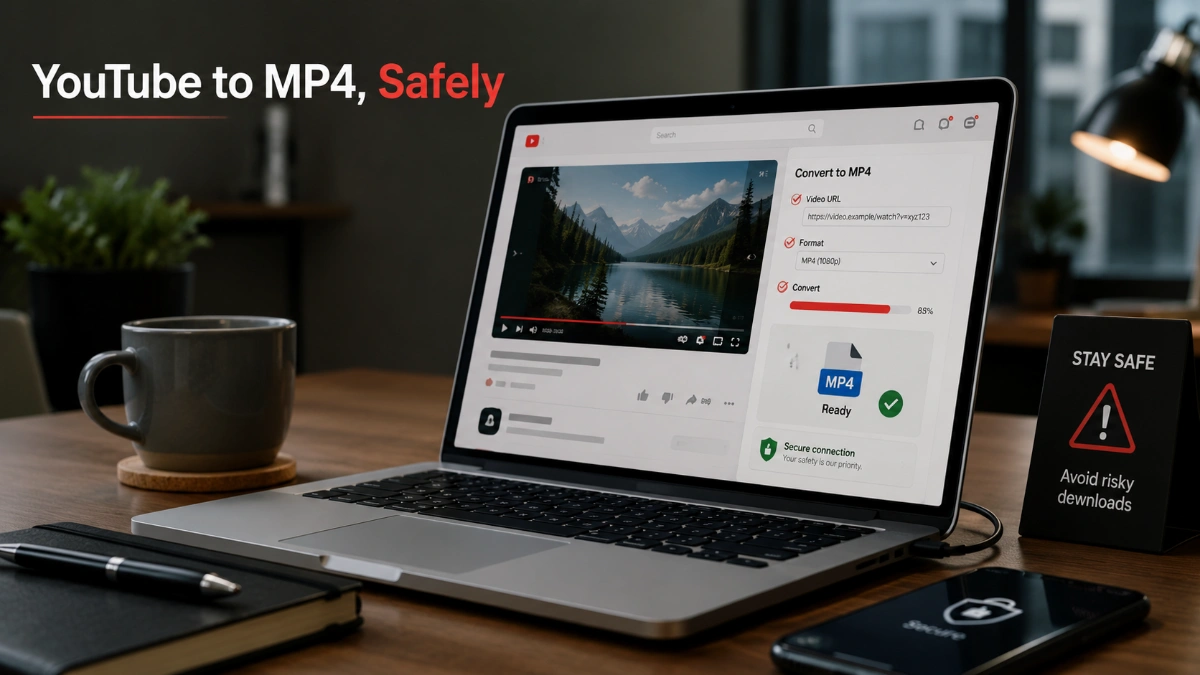
A youtube to mp4 converter should never require you to surrender account access or ignore security warnings. The U.S. Federal Trade Commission warns that unfamiliar websites offering free media downloads can expose users to malware and scams through deceptive ads, pop-ups, or unexpected software.
Leave immediately if a page asks you to:
- Sign in with your YouTube or Google password
- Download software, an installer, or a browser extension you did not expect
- Call a phone number for “technical support”
- Grant remote control of your device
- Pay to resolve a sudden security alert
- Ignore browser or device protection warnings
For professional work, also keep the approval or licence beside the downloaded asset. That small record can prevent later confusion about who supplied the video and how it may be used.
Use Official Options Wisely
An official route may not always give you a standalone file, but it can still be the most suitable choice for offline access.
YouTube’s Premium offline playback is available only in supported locations and through the same signed-in account. YouTube says downloads can generally be played offline for up to 29 days before the device must reconnect, while some countries or regions use a shorter 48-hour reconnect cycle.
For videos you uploaded, YouTube Studio provides a more direct file-oriented option. YouTube’s help documentation says eligible uploads can be downloaded as MP4 files, generally at 720p or 360p depending on video size.
For content made by someone else, the best path is usually to use an official offline option, contact the creator, or obtain a file through the original licensed source rather than treating an online converter as a default entitlement.
Frequently Asked Questions
A youtube to mp4 converter is generally a service that turns a video link into an MP4-format video file. MP4 is a media container; its label alone does not determine the video’s resolution or quality.
For your own eligible uploads, YouTube Studio provides an official download option. YouTube says uploaded videos can be downloaded as MP4 files in 720p or 360p depending on video size, subject to stated restrictions.
No. Official offline playback is designed for watching within YouTube’s supported experience. It can require an eligible account and location, use the same signed-in account, and require periodic reconnection.
Choose a setting that fits the source, the screen, your storage, and the task. A modest setting is often enough for phone viewing, while editing or large-screen work may call for the best authorized original available.
Check the link, availability, privacy status, browser download controls, storage space, and whether the source provides an official download option. Do not respond by disabling protections or using a service that claims to bypass restrictions.
Leave the site and do not enter your credentials. Use an official YouTube option or obtain the file directly from the creator or rights holder.